
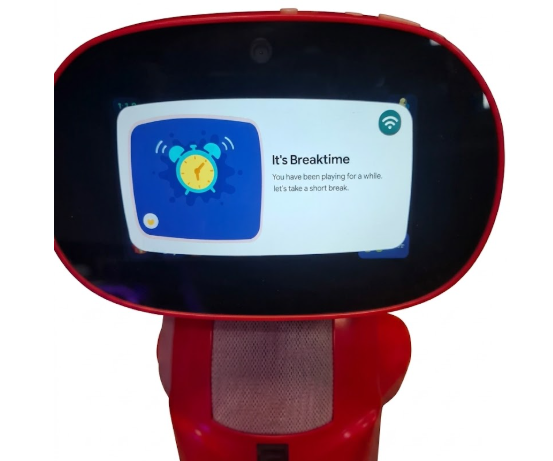
Break Time is a mandatory break feature available on both Miko 3 and Miko Mini. This feature ensures that children take regular pauses after extended screen time, helping to balance play and well-being.
How It Works:
- After 180 minutes (3 hours) of continuous usage of Miko, a 2-minute break is automatically triggered.
- During this break, the Miko will not respond to any interactions.
- Once the break ends, post 2-minute Miko resumes automatically.
- This feature is enabled by default, and no action is required from parents and children.
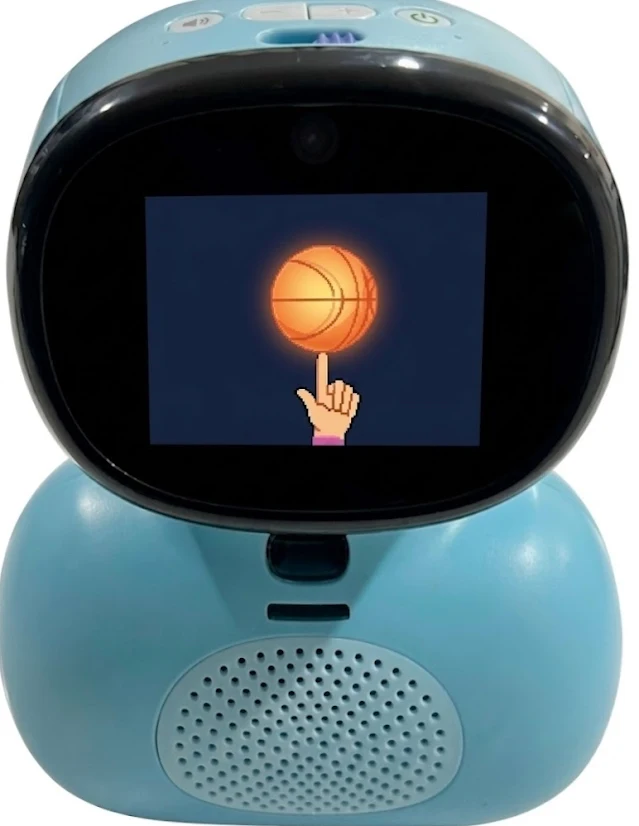
Miko Mini - Break Time Pop Up
Miko 3 - Break Time Pop Up
Parents have the flexibility to adjust the Break Time settings through the Miko App.
Steps to Set up Break Time on Miko Shield:
- Open the Miko App
- Tap on Parent Zone
- Enter your Passcode
- Tap on Miko Shield at the bottom of the screen
- Tap on Manage Screen Time
- Select Break Reminder
- Tap Save and Restart your Miko to apply the changes
Need Help?
If you have any questions or need further assistance, please feel free to contact our customer support team.
Comments
0 comments
Please sign in to leave a comment.